

Six message templates, ready to send
You choose the template, we create the first message with you. Another format? It’s made to measure, on quotation.
Create my first messageReceive your message on WhatsApp
Your photo, your text: test it on your phone.
The video
To show rather than explain.
Example case
Lucie, restaurant owner
Their need
Filling her weekday lunchtimes.
Their message
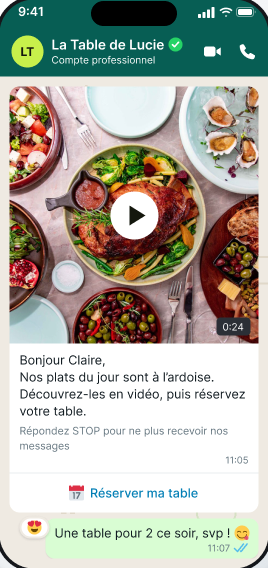
Her dishes of the day on video, with a button to book a table.
What they track
Reads and clicks on “Book my table”.
The image and button
An eye-catching photo, a sentence, an action.
Example case
Sophie, rents out a villa with a pool
Their need
Filling her quiet weeks.
Their message
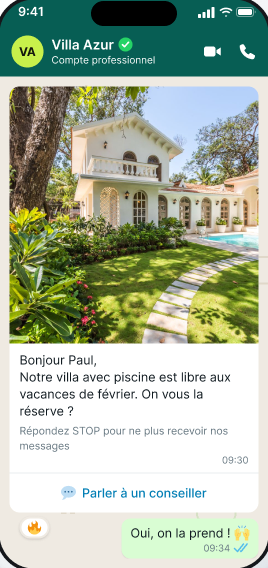
A photo of the villa, its free dates and a button to talk to an adviser.
What they track
Reads and clicks on “Talk to an adviser”.
The carousel
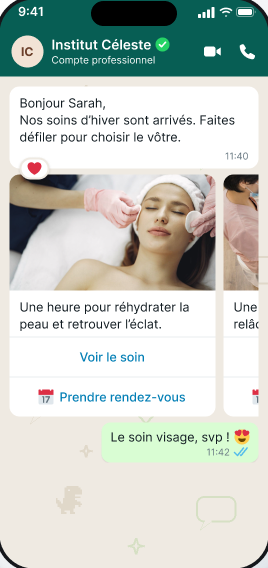
Several offers in a single message: 2 to 10 cards to swipe through.
Example case
Céline, runs a beauty salon
Their need
Presenting her winter treatments without a long text.
Their message
One card per treatment, each with its own photo and buttons.
What they track
Clicks on each button, to see which treatment is most popular.
The form
Appointments are booked without leaving the conversation.
Example case
Hélène, runs a consultancy firm
Their need
Filling her diary without endless back-and-forth.
Their message
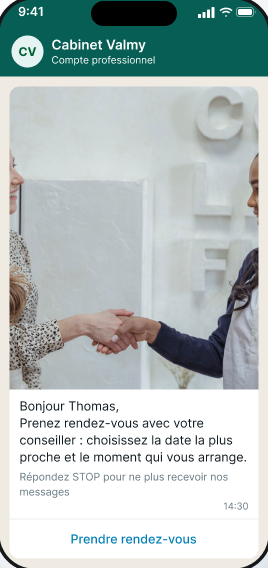
An invitation and a form: last name, first name, date, morning or afternoon.
What they track
Button clicks and requests received.
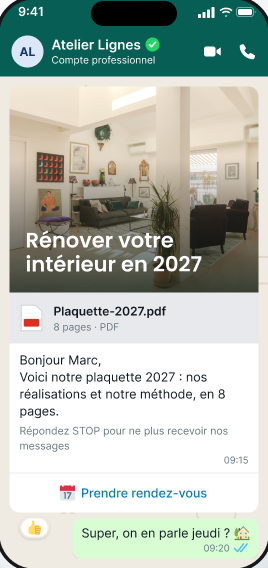
The PDF
Your document arrives straight on the phone.
Example case
Antoine, renovation tradesman
Their need
Following up his contacts with his brochure.
Their message
His brochure as a PDF and a button to book an appointment.
What they track
Reads and clicks on “Book an appointment”.
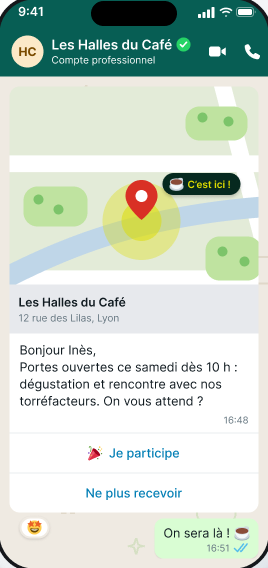
Location
The address is in the message, directions one tap away.
Example case
Julien, coffee roaster
Their need
Bringing people to his open days.
Their message
The venue on the map, the time and a button to reply.
What they track
Reads and clicks on “I’m coming”.
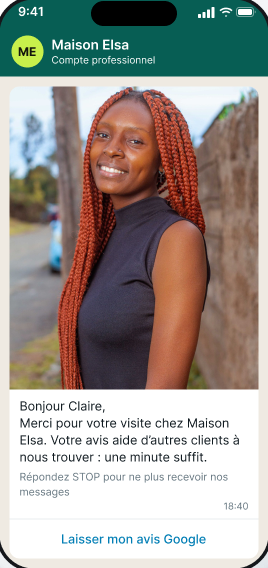
The Google review
One use of the image and button template: following up customers after their visit.
Example case
Elsa, runs a hair salon
Their need
Getting known in her neighbourhood with more reviews on her Google profile.
Their message
A thank-you, a photo and a button that opens her Google profile.
What they track
Clicks on “Leave my Google review” and her new reviews.
On a computer, scan to continue on your phone.